Skip to content
HowToDesktop
Search
Ctrl
K
Cancel
Source
Select theme
Dark
Light
Auto
Introduction
Landing Page
About HowToDesktop
Extract an Archive
Extract an Archive
Extract an Archive on Cinnamon (Linux Mint)
Extract an Archive on COSMIC
Extract an Archive on GNOME
Extract an Archive on KDE Plasma
Source
Select theme
Dark
Light
Auto
Extract an Archive on GNOME
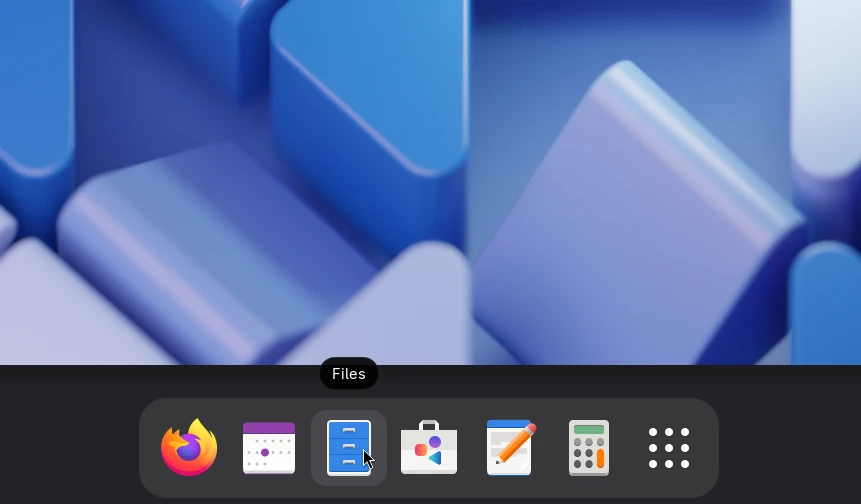
Open the overview and launch Files.
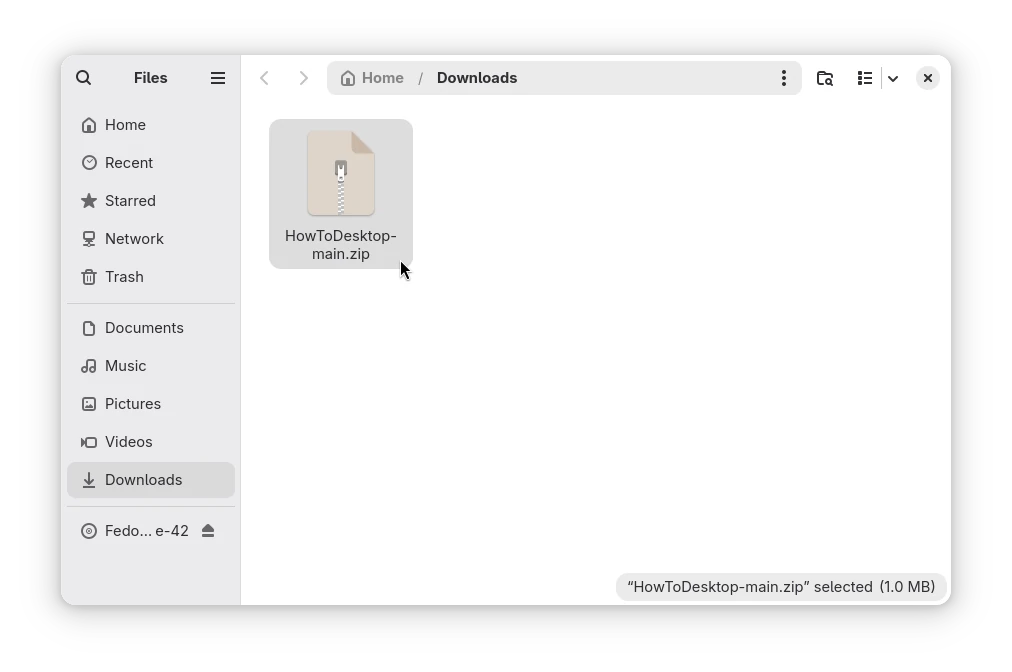
Find the archive you want to extract. Common archive formats include zip, tar.gz, and 7z.
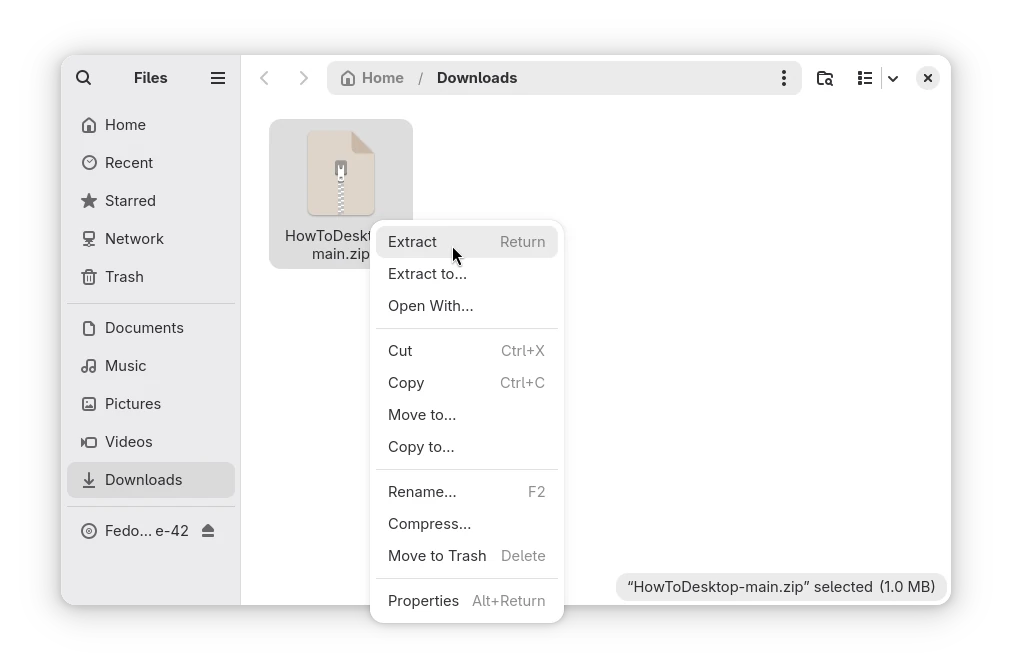
Right-click on the file and select
Extract
.